


What Wears Out Reciprocating Saw Blades So Quickly?
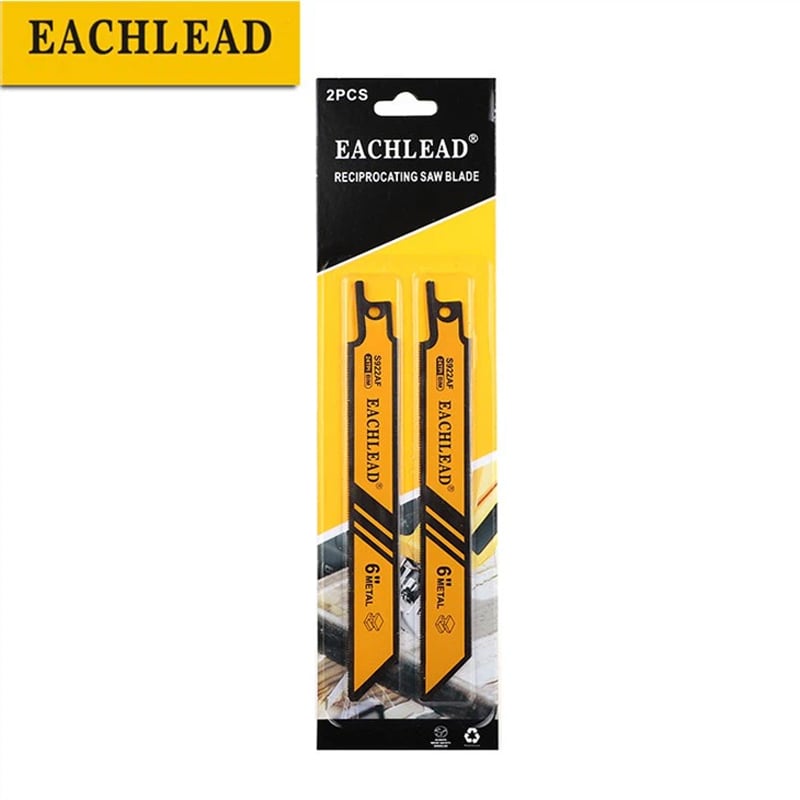
Why Reciprocating Saw Blades Wear Out Too Fast usually has four authors: family mismatch, heat, hidden abrasives, and settings that polish instead of bite. Each leaves its own mark on the tooth line, so inspect before reordering. For the commercial path, review the bi-metal reciprocating saw blade category.
Part 1. What does worn out actually look like on a blade?
Wear and damage are different findings. Wear shows as uniformly rounded, polished tooth tips along the working section; damage shows as missing teeth, bent bodies, or cracks, and each finding points to a different correction.
Look along the tooth line under good light. A shiny, even land on every tip says abrasion or heat; a gap-toothed edge says impact, and mixed evidence says the job changed mid-blade.
| Tooth-line finding | Reading | Likely cause family |
|---|---|---|
| Even, polished tips | True wear | Abrasion, heat, mismatch |
| Blue or straw discoloration | Overheating | Rubbing, speed, dry cutting |
| Missing or chipped teeth | Damage, not wear | Impact, wrong pitch |
| Wear only near the shank | Short-stroke habit | Technique, stroke usage |
Important: Use the proper blade for the material and follow the tool instructions; see OSHA handheld saw guidance.
Part 2. Which material mismatches grind teeth fastest?
A blade family sent against the wrong workpiece wears at the pace of the mismatch. Wood-family teeth meeting masonry, render, or fiber-reinforced board lose their edges in a handful of strokes, and no technique setting rescues that pairing.
Check the listing window first. Live listings on this site pair each model with a material and size range – thin sheet around 0.7-3 mm at 24 TPI, thick sheet around 3-8 mm at 14 TPI – and cutting outside the window is the most common self-inflicted wear cause.
Pitch mismatch wears more subtly. Too fine a pitch on thick stock packs the gullets and rubs; the TPI selection guide carries the engagement rules that keep teeth cutting.
Part 3. How does heat quietly erase a tooth edge?
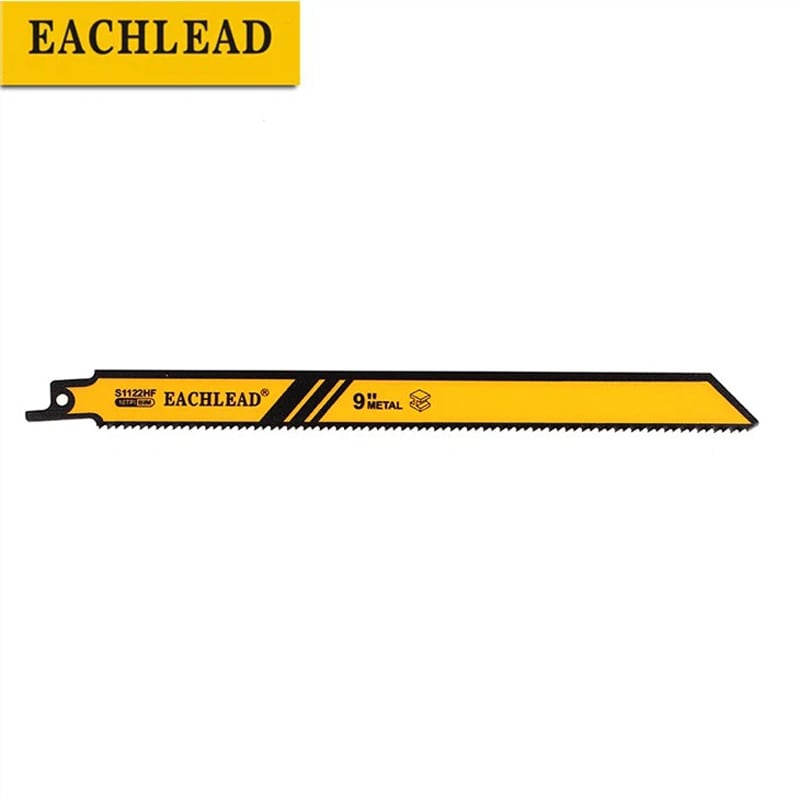
Heat softens tooth edges faster than contact dulls them. A tooth that rubs instead of biting generates friction heat, the heat draws the hardness out of the edge, and the softer edge rubs even more on the next stroke.
Discoloration tells the story afterward. Straw and blue bands along the tooth line mark where temperature climbed, and a blade that “stopped cutting” with blue teeth died of heat, not of mileage.
Dry, fast, light-pressure cutting is the recipe for that spiral. Steady feed that keeps chips forming carries heat away in the chips themselves, which is the cheapest cooling available.
| Field symptom | Heat diagnosis | First correction |
|---|---|---|
| Blue tooth line | Sustained overheating | Lower speed, raise feed |
| Edge gone after one thick cut | Rubbing spiral | Coarser pitch, steady pressure |
| Smoke or burning smell in wood | Packed gullets | Clear chips, coarser pitch |
| Sharp blade cuts, then fades fast | Heat cycling | Pause cuts, check settings |
Part 4. Where do hidden abrasives ambush blades?
The workpiece is not always what it claims. Fence posts carry soil at the ground line, reclaimed lumber carries grit in every check, plaster hides sand, and painted steel hides filler, so one “wood” job can grind a blade like sandpaper.
Inspect the material before blaming the SKU. A wipe with a gloved hand finds embedded soil and render; a magnet and a scratch test find fillers, and thirty seconds of checking explains most one-job blade deaths.
Where the abrasive is the job itself, change the plan rather than the expectations. Abrasive substrates belong to their own selection logic and, on this site, to the listed carbide masonry scope discussed in the carbide vs bi-metal comparison.
Part 5. How do speed and feed settings change wear?
High speed with light pressure is a polishing machine. The teeth skate over the surface, harden it where the alloy allows, heat themselves, and wear without producing chips, which operators read as a bad blade.
Match the setting to the material. Metals generally reward lower stroke rates with firm, steady feed; wood tolerates speed but still needs chips forming, and every listing’s application range assumes the teeth actually bite.
Watch the chips as a gauge. Visible, consistent chips mean the edge is working; dust and glitter mean rubbing, and rubbing is wear without progress.
Part 6. When does construction choice address wear?
Construction answers wear only after setup causes are cleared. If the tooth line wears evenly on a correctly sized, correctly fed cut, the workpiece is harder or more abrasive than the family expects, and the comparison guides take over.
The HCS vs bi-metal comparison covers the wood-to-mixed-work boundary, and the carbide comparison covers listed abrasive substrates. Both are family decisions checked against printed application windows, not life promises.
No construction buys immunity. Every family wears; the selection goal is matching the wear mechanism, and the proof is a sample cut on the actual material.
Part 7. What wear evidence should accompany a reorder?
Send evidence, not adjectives. A reorder note that says “wears too fast” invites a guess; one that carries the workpiece, the cut count, the settings, and a photo of the tooth line invites a diagnosis.
Photograph the blade beside a new one. The comparison shot shows the wear band, the discoloration, and any damage in one frame, and it becomes the shared reference for the supplier conversation.
| Evidence field | What to capture | Why it matters |
|---|---|---|
| Workpiece truth | Material, size, hidden-content check | Detects mismatch and ambush |
| Usage record | Cuts completed, speed and feed notes | Separates wear from abuse |
| Tooth-line photo | Worn blade beside new blade | Shows mechanism at a glance |
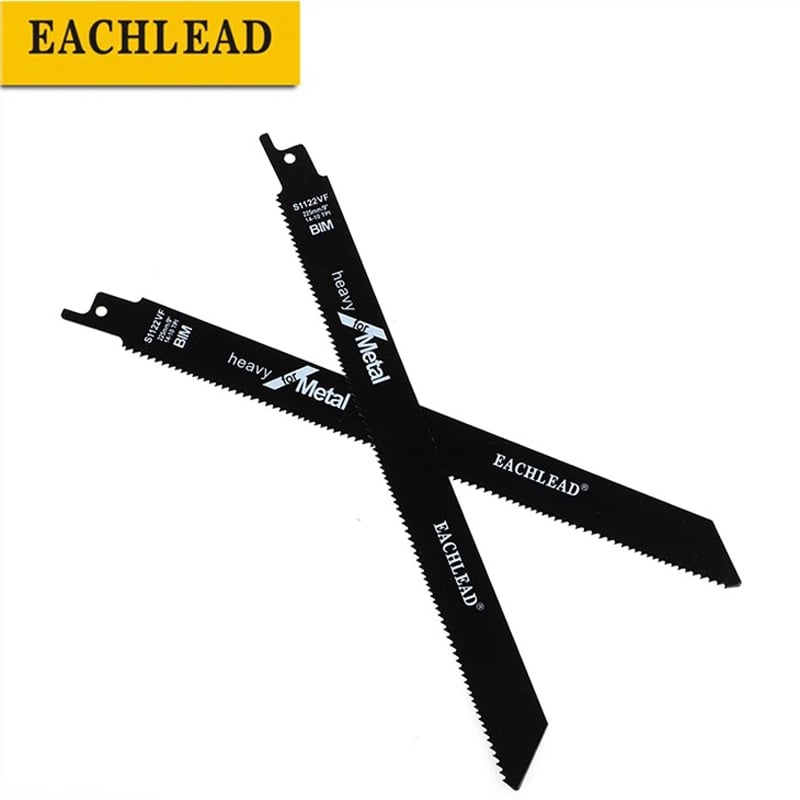
| Blade identity | Model, pitch, length from the label | Links evidence to the listing |
Product recommendation: review the bi-metal reciprocating saw blade category once the evidence file exists. Why it fits: most fast-wear cases on metal and mixed work resolve into family or pitch mismatches, and the category lists each model’s application window for that check. Why not recommend as a default: construction changes cannot fix heat, feed, or hidden-abrasive causes, and no life figure is promised for any SKU.
Fit Boundary
Crews and distributors who inspect tooth lines, adjust settings, and document cases will turn fast-wear complaints into specific corrections. This checklist offers no blade-life guarantee and no warranty ruling; it produces causes, corrections, and evidence.
To escalate a documented case, send the wear evidence to EACHLEAD: workpiece description, cut count, settings, tooth-line photos, blade label data, and target pack quantity.
FAQs
Why do reciprocating blades dull after one job?
Usually mismatch or ambush: the workpiece was harder or more abrasive than the blade family expects, or hid soil, sand, or filler. Inspect the material and the tooth line before reordering.
Does heat wear out blade teeth?
Yes, faster than contact alone. Rubbing generates heat, heat softens edges, and discolored tooth lines record the temperature after the fact.
Which material mismatches grind teeth fastest?
Wood-family teeth on masonry, render, or fiber-reinforced board, and fine-pitch metal teeth forced through thick stock with packed gullets.
How do speed and feed settings change wear?
High speed with light pressure polishes and heats without cutting. Steady feed that keeps chips forming carries heat away and preserves the edge.
Is fast wear a defect or a selection problem?
Inspect first: even polished wear points to selection or setup, missing teeth to impact, and defects are the rare remainder after those are ruled out.
Which blade construction resists which wear cause?
Bi-metal families cover mixed metal-and-wood duty; listed carbide models cover this site’s masonry substrates. Match the family to the wear mechanism and confirm by sample.
What wear evidence should be sent with a reorder?
Workpiece description with hidden-content check, cut count, settings, a photo of the worn tooth line beside a new blade, and the label data of the blade in question.