


HCS Jigsaw Blades: Where High-Carbon Steel Fits
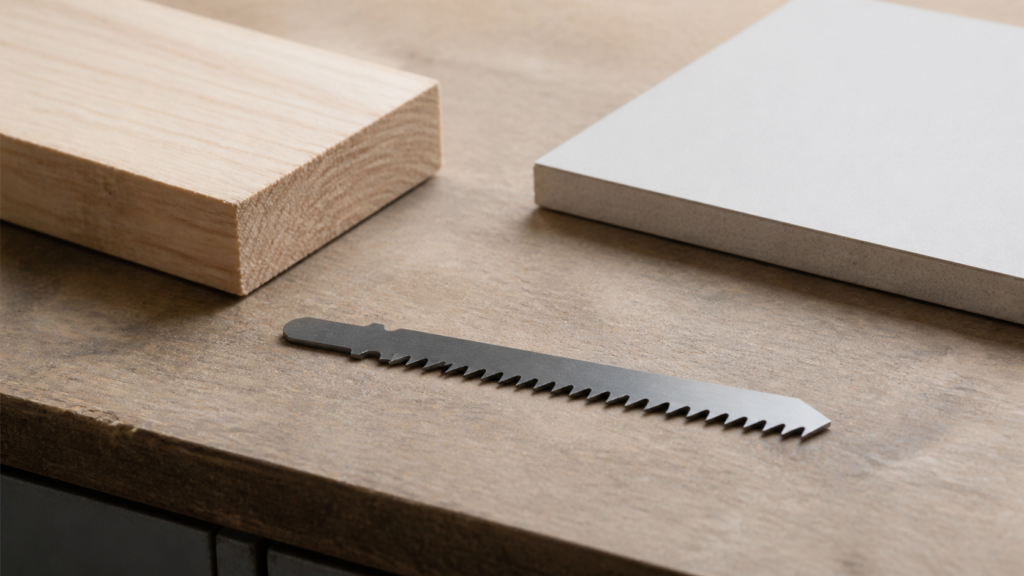
HCS jigsaw blades are a material-family starting point, not a complete blade specification. A high carbon steel jigsaw blade may be appropriate only after the buyer has defined the workpiece and then checked the tooth geometry, working length, and shank against a named model and the actual tool. The HCS marking narrows the conversation; it does not decide the order by itself.
That distinction matters when a request says only “HCS blade for wood.” Wood is not one purchase condition, and neither is HCS. A blade record must still connect the material label to the workpiece, the required cut, and the interface on the saw. This guide keeps those decisions separate so a distributor or technical buyer can review a model without guessing.
What HCS jigsaw blades tell you—and what they do not
HCS identifies the blade material family on a named product page. For example, EACHLEAD’s T119B listing identifies HCS as its blade material and scopes that model to a wood-focused application. That is useful product evidence, but it is evidence for the named blade rather than a rule for every blade carrying the same material label.
Independent HCS product listings use the same model-level approach: a maker can list a defined material group and shank for one blade, while another HCS blade has a different tooth form, length, or application. Read the published application line as a check on that exact model. Do not turn it into a blanket statement that HCS always fits wood, plastic, or any other material family.
In practice, use HCS to begin the filter, then ask what the blade must do. A straight cut in a defined panel, a shaped cut in a different workpiece, and an order that must fit a particular holder are separate decisions. The material designation does not replace any of them.
Start with the workpiece, not the blade label
Before a buyer compares HCS jigsaw blades, record the actual workpiece. Identify the material as specifically as the job requires, note the section to be cut, and describe the cut path and the edge expectation. Those inputs explain why an application label on one named product may or may not be relevant to the next request.
- Workpiece: Name the material and the relevant construction or surface condition.
- Cut requirement: State whether the job calls for a straight path, a curve, or another defined shape, along with the edge expectation.
- Selection boundary: Ask the supplier to confirm a named blade’s published application scope against those inputs.
This sequence avoids an unhelpful shortcut: choosing a blade solely because both the request and the product page contain the word “wood.” The relevant question is whether the documented workpiece and desired result fall within the scope of the selected model, not whether an HCS label appears somewhere in the catalog.
Separate the remaining blade fields
Once the workpiece is defined, keep three other fields independent of the HCS material label. First, tooth geometry belongs to the cut requirement and the named blade record. Second, working length must be reviewed against the actual workpiece and the intended cut path. Third, the shank is an interface question: it must match the holder on the specific jigsaw, not simply a category name or a familiar blade outline.
These fields can change independently. Two blades may both be described as HCS while using different tooth forms or lengths; a blade can also have a plausible material/application description but the wrong shank for the tool. Keep the model code, material, tooth detail, working length, and interface together in the same purchase record so an approver can compare like with like.
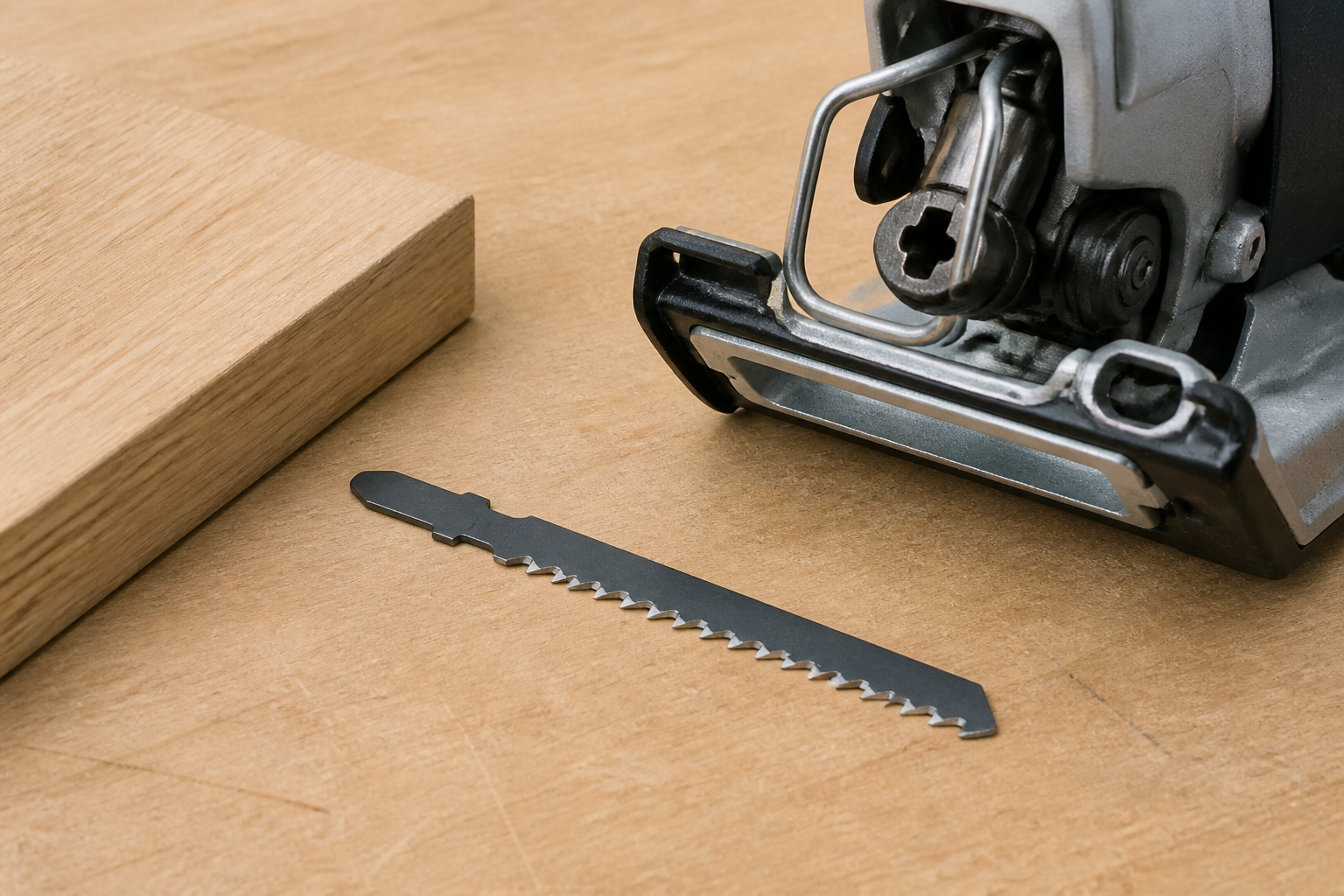
A short inspection step before release prevents a common documentation gap. If the order record says only “high carbon steel jigsaw blade,” it does not say which holder accepts it, which geometry was requested, or which length was reviewed. Add those fields before treating a material decision as a final selection.
Turn the decision into a purchase record
A usable request can be brief, provided each field is specific. Record the workpiece and cut requirement first. Add the HCS material designation as the selected material family. Then attach the proposed model’s tooth detail, working length, and shank, together with the exact jigsaw or holder that must accept it. If any field changes, reopen the model check instead of assuming the rest of the record still applies.
| Order field | What the buyer should provide |
|---|---|
| Workpiece and cut | Material description, relevant construction, cut path, and edge expectation. |
| Material family | HCS, tied to the proposed named model rather than used as the complete description. |
| Blade geometry | The model’s stated tooth form/detail and working length. |
| Tool interface | The exact jigsaw or holder plus its accepted shank. |
With that record in hand, use the EACHLEAD jigsaw blade category to review the relevant family and then check the model-level listing. The category is a route to comparison; it does not certify that every listed blade fits every jigsaw or delivers the same cutting result.