


What does the fine-tooth vs coarse-tooth choice control?
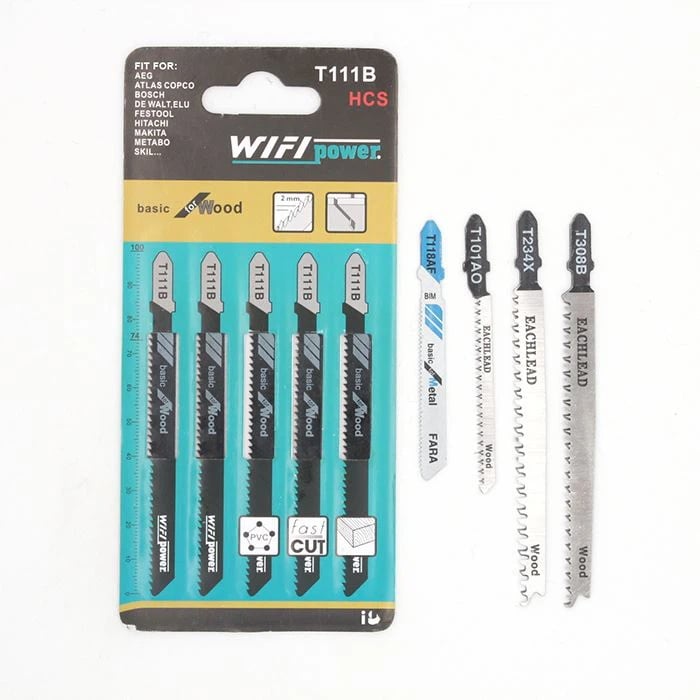
Fine-tooth vs coarse-tooth jigsaw blades is a trade-off between edge finish and material removal rate. Higher tooth counts usually favor cleaner edges in thin stock, while lower counts cut faster in thicker or softer material. For the product line context, see the Jigsaw Blade category overview.
For clean-edge planning, see the site’s how to choose jigsaw blade teeth for clean wood cuts.
Part 1. What does the fine-tooth vs coarse-tooth choice control?
The tooth count sets the balance between finish quality and cutting speed. It does not replace shank compatibility or blade length selection.
Part 2. How does TPI translate to fine and coarse labels?
TPI is the practical field label buyers use. Fine blades cluster at higher TPI; coarse blades cluster at lower TPI for the same material family.
| Label | Typical TPI direction | Best for | Weak fit |
|---|---|---|---|
| Fine-tooth | Higher TPI in the material band | Thin panels, visible edges | Fast rough cuts in thick stock |
| Coarse-tooth | Lower TPI in the material band | Thick softwood, rough sizing | Finish faces on thin plywood |
| Mid-range | Between fine and coarse bands | General shop work | Highly specialized finish jobs |
Part 3. Which tooth count fits plywood, hardwood, and framing lumber?
Match TPI to thickness and the visible face. Thin panels and finish cuts favor fine teeth; thick framing stock often favors coarser teeth.
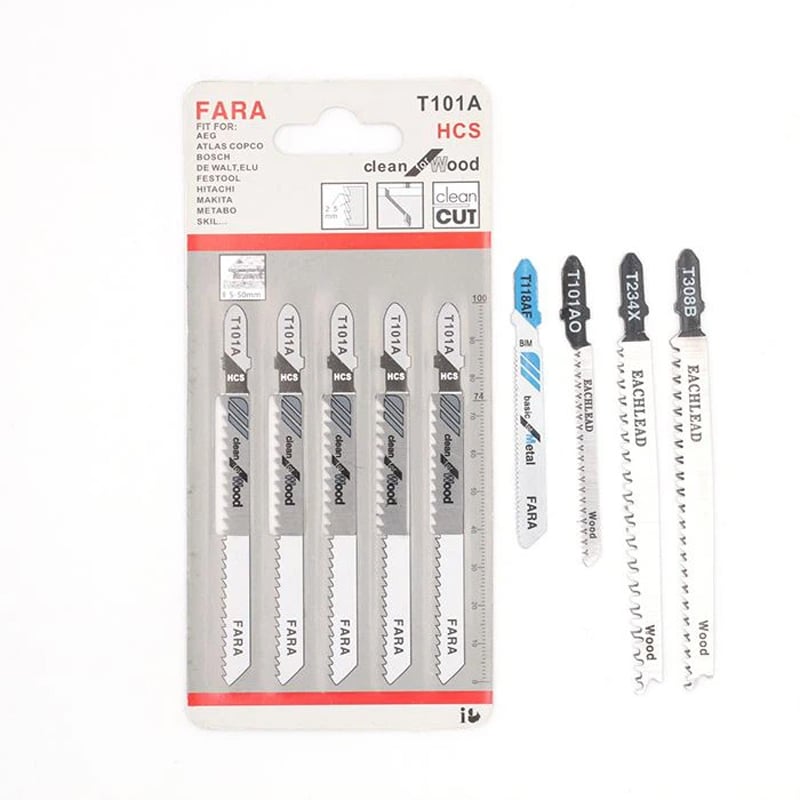
Standard upward-cutting teeth remain common for general wood work. When the show face is chip-prone, cross-check the jigsaw blades for laminate and countertops before assuming one fine-tooth SKU covers every panel.
| Material | Fine-tooth direction | Coarse-tooth direction |
|---|---|---|
| Thin plywood | Higher TPI, controlled feed | Usually too rough for show face |
| Solid hardwood | Medium-high TPI with support | Faster sizing when finish is secondary |
| Framing lumber | Possible but slow | Lower TPI for removal rate |
Part 4. How do stroke speed and support change the result?
Feed rate, orbital settings, and workpiece support can make a coarse blade look acceptable or a fine blade tear out.
| Setup factor | Symptom if ignored | First correction |
|—|—|—|
| Workpiece support | Splintering or melt | Add backer or clamp closer to line |
| Feed rate | Burning or rough wall | Slow feed before changing TPI |
| Orbital action | Chipped acrylic edge | Reduce or disable per tool manual |
| Blade overhang | Wandering cut | Shorten exposed blade length |
Part 5. What should distributors label on fine vs coarse SKUs?
Pack labels should state TPI range, material intent, shank type, and whether the blade targets finish or speed.
| Label field | Minimum content | Why distributors need it |
|—|—|—|
| TPI range | Numeric band | Prevents fine/coarse mix-ups |
| Material intent | Wood, panel, laminate | Sets buyer expectation |
| Shank type | T-shank, U-shank, special | Stops clamp returns |
| Finish vs speed | Declared use case | Reduces wrong-SKU complaints |
Part 6. Which blade specs belong in a fine-vs-coarse RFQ?
Force buyers to declare material, thickness, finish requirement, and shank type before comparing tooth families.
| RFQ field | Buyer input | Supplier response |
|---|---|---|
| Material family | Acrylic, PVC, other plastic | Recommended TPI band |
| Thickness | Sheet, pipe wall, profile | Blade length and stiffness |
| Finish face | Show side and edge quality | Tooth style recommendation |
| Shank type | Tool-verified shank | SKU label confirmation |
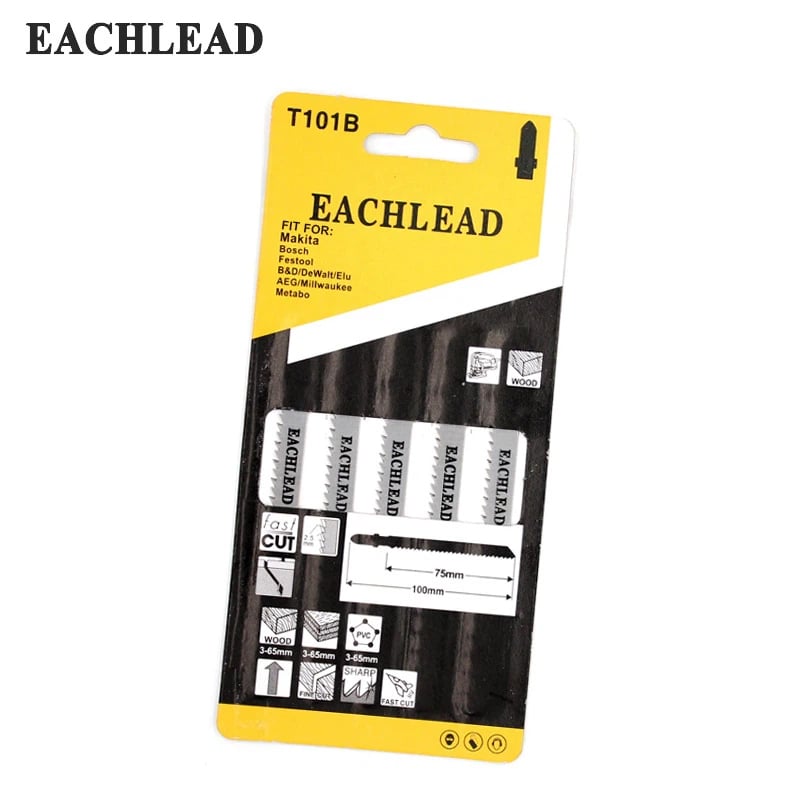
Product recommendation: review the T111B Jigsaw Blade for Thin Plywood only after the material, shank, and finish requirement are documented. Target URL: /product/t111b-jigsaw-blade-for-thin-plywood/; natural anchor: T111B Jigsaw Blade for Thin Plywood.
Fit Boundary
This method fits buyers and distributors that can identify the plastic or wood material, thickness, and finish requirement before ordering. It is not sufficient when the buyer needs a guaranteed melt-free or chip-free result without sample testing, or when the tool shank has not been verified.
Why not recommend as a default: do not recommend this SKU for thick framing lumber, fast demolition cuts, or metal work without verifying a separate blade family.
Part 7. What mistakes look like the wrong tooth count?
Splintering, burning, and slow progress often trace to setup or the wrong TPI band—not only to a dull blade.
To compare EACHLEAD blades for a program or OEM pack, send the material list and finish requirement. You can also review jigsaw blade products once those inputs are documented.
FAQs
What counts as a fine-tooth jigsaw blade?
In trade use, fine-tooth blades sit at the higher TPI end of a material range and target cleaner edges in thinner stock. The exact number depends on the workpiece and finish requirement.
When should I choose a coarse-tooth jigsaw blade?
Choose a coarser tooth count when speed and material removal matter more than a polished edge, such as rough framing cuts or thick softwood.
Can a fine-tooth blade cut thick hardwood?
It may cut, but feed rate can drop and burning risk can rise. Many thick-wood jobs use a moderate or coarser TPI with controlled feed and support.
Does a fine-tooth blade always reduce splintering?
Not automatically. Support, show-face orientation, and tooth style still matter. Fine TPI helps most when the setup is already controlled.
How do fine and coarse blades differ in distributor packs?
Fine SKUs should show finish intent and material thickness. Coarse SKUs should show speed intent and the maximum practical thickness.
Is TPI the only difference between fine and coarse blades?
No. Tooth set, blade width, body material, and coating also change behavior. TPI is the first sorting field, not the only one.
How should buyers test a fine-vs-coarse SKU?
Cut sample stock at the target thickness, inspect the show face, and record feed effort and heat. Keep shank and length constant during the test.