


What Is a Jigsaw? How the Tool and Blade Work Together
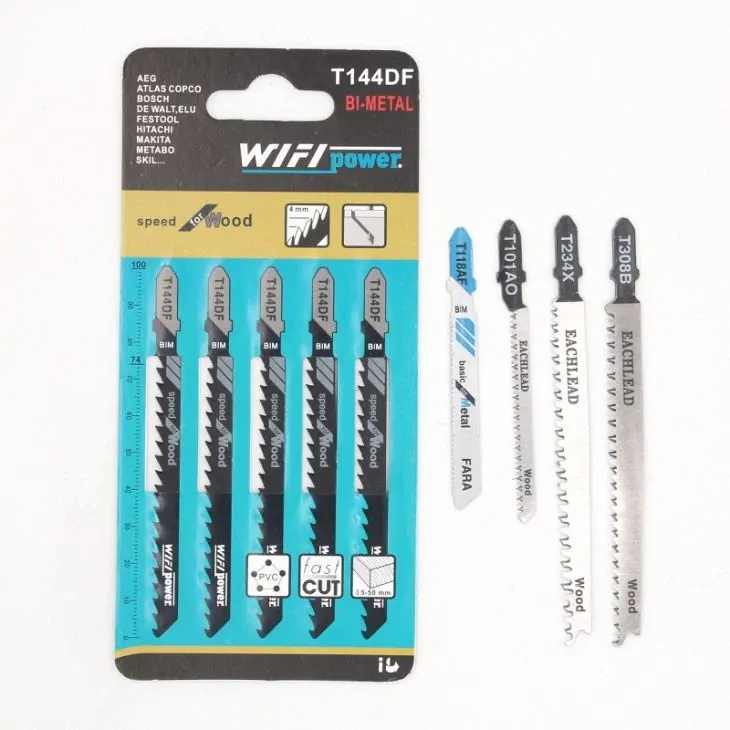
A jigsaw is a handheld power saw that moves a narrow blade up and down to cut curves, cutouts, and other shapes in a workpiece. “What is a jigsaw?” describes the powered tool; the replaceable jigsaw blade determines the interface, material range, tooth pattern, and cutting task. That distinction matters when a buyer moves from a general tool question to a blade order.
For a B2B buyer, “jigsaw blade” is not a complete specification. Record the tool interface, workpiece, required cut, blade material, tooth spacing, and dimensions before selecting a product. EACHLEAD groups its jigsaw blades by shank type and lists model-level material, size, TPI, and application information.
How a jigsaw works
A motor drives the blade through a repeated up-and-down stroke. The shoe, or base plate, rests on the workpiece and helps the operator keep the saw at the intended angle. A straight stroke moves the blade vertically. Some tools also offer orbital action, which adds forward movement to the cutting stroke and changes how aggressively the blade enters the material.
The blade does the cutting, but the machine does not choose the blade for you. A blade clamp holds the blade at the front of the tool. The shank must match that clamp, and the blade must have enough exposed length for the workpiece. A jigsaw blade that fits the holder can still be wrong for the material, thickness, curve, or required edge.
Jigsaws are useful when the cut needs to turn, start inside a panel, or follow a marked shape. They are less suitable when the main requirement is a long, high-throughput straight cut. In those cases, the project may need another saw or a different production method. The correct choice depends on the tool, workpiece, tolerance, and finish requirement.
What is a jigsaw used for?
A jigsaw can cut wood, plastic, laminate, and some metals when the blade is designed for that material. It can make straight cuts, curved cuts, bevels, and interior cutouts. The cut quality depends on more than the tool name: blade geometry, tooth spacing, material, support, feed pressure, and the workpiece all affect the result.
- Curved and shaped cuts: a narrow blade can follow a marked curve more easily than a wide blade, but tight radii still require a blade intended for that work.
- Interior cutouts: a starter hole can let the blade enter a panel before the cut follows the marked line. The hole size and edge requirement belong in the work instruction.
- Wood and wood-based panels: choose the tooth pattern and blade length for the section thickness and the required edge.
- Plastic and laminate: use a blade and cutting method suited to the material. The surface that must remain visible may change the preferred tooth direction and support method.
- Metal: use a blade listed for the specific metal task. A metal-cutting blade normally uses a different tooth pattern and pitch from a fast wood-cutting blade.
Bosch’s operating instructions separate blade selection, blade installation, orbital-action settings, and cutting guidance. Those inputs still depend on the specific tool and workpiece, so buyers should use the applicable tool manual alongside the blade record.
Which blade details matter?
Start with the interface. A buyer should record whether the tool accepts a T-shank, Makita-type, half-bore, U-shank, or another specified connection. EACHLEAD keeps these families on separate category pages, including T-shank jigsaw blades, Makita-type jigsaw blades, and half-bore/U-shank jigsaw blades. These pages are product-family starting points, not proof that every blade fits every machine.
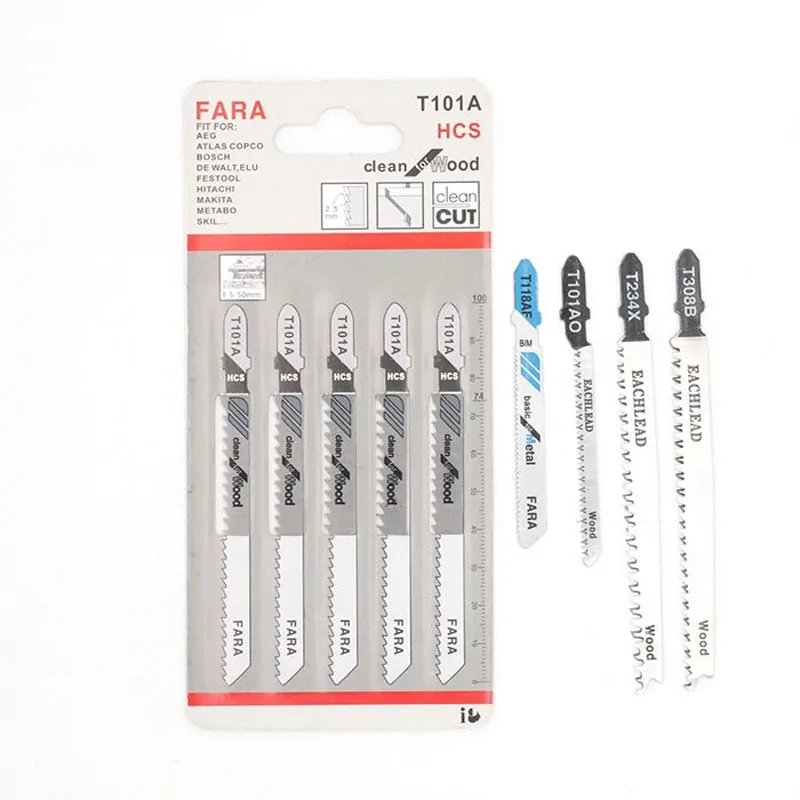
Next record the blade material. HCS, HSS, and bi-metal describe different construction choices in the EACHLEAD catalog. The material label does not by itself tell a buyer the correct TPI, length, or compatibility. Keep those fields separate so a replacement request can be checked against the actual tool and workpiece.
TPI means teeth per inch. A higher TPI usually means smaller, more closely spaced teeth; a lower TPI usually means fewer, larger teeth. That is a selection clue, not a ranking of quality. The workpiece thickness and required finish determine whether the tooth spacing is appropriate.
Record the nominal length, working length where supplied, width, thickness, tooth pattern, and any variable-pitch notation. Also record whether the cut is straight, curved, bevelled, flush, rough, or finish-critical. A short blade may be suitable for a thin sheet but leave too little working length for a thicker section.
How product listings express the choice
First-party product listings are useful because they show how a supplier separates the fields. They are not a substitute for a drawing or a sample approval record.
| Listed example | Material and size shown | Application shown |
|---|---|---|
| T144D | HCS 65MN; 100 mm × 75 mm × 4.0 mm; 6 TPI | Straight cutting for wood |
| T144DF | Bi-metal M2; 100 mm × 75 mm × 4.0 mm; 6 TPI | Straight cutting for wood |
| U118A / BD118A | HSS M2; 76 mm × 50 mm × 1.2 mm; 21 TPI | Straight cutting for metal |
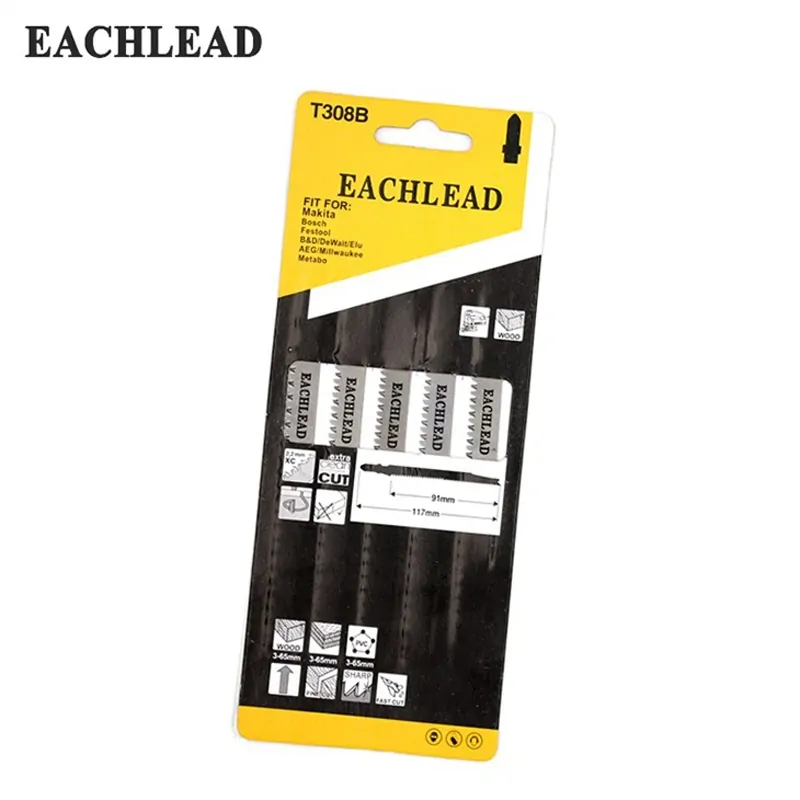
| T308B | HCS 65MN; 116 mm × 90 mm × 2.2 mm; 4-1/2 in; 12 TPI | Straight cutting for wood |
| T345XF | Bi-metal M2; 132 mm × 110 mm × 5.0–2.5 mm; 5–10 TPI | Straight cutting for wood with nails |
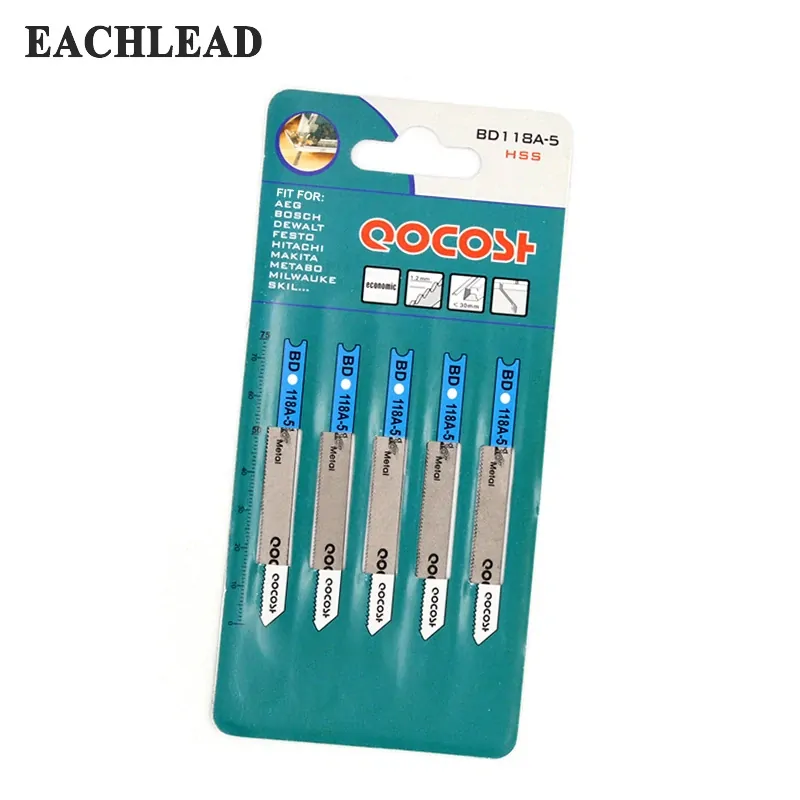
The table does not say that a 6 TPI blade is always correct for wood or that a 21 TPI blade is always correct for metal. It shows why a purchase record should preserve the model, material, dimensions, TPI, and application as separate fields. If any of those fields change, the buyer should recheck the sample or drawing instead of treating the products as interchangeable.
What should a buyer record before ordering?
A short record makes the next supplier conversation more precise. It also helps a distributor compare samples without reducing every blade to one word such as “wood” or “metal.”
- Tool and interface: record the tool model or the stated shank requirement. Do not assume that similar-looking holders use the same blade.
- Workpiece: record the material, section thickness, surface condition, and whether the cut is through, internal, curved, bevelled, or flush.
- Edge requirement: state whether the job needs speed, a clean visible edge, low chipping, or a rough demolition cut.
- Blade fields: record material, TPI or variable pitch, length, width, thickness, tooth direction, and quantity.
- Approval method: define the sample quantity, inspection points, and the result required before a repeat order.
After the record is complete, review the EACHLEAD jigsaw blade range and move to the relevant shank or application page. For a plastic-specific task, the existing jigsaw blade for plastic guide covers a narrower material decision. The product page should confirm the final model-level details before an order is placed.