


How to Choose Mini Sawzall Blades for Compact Tools
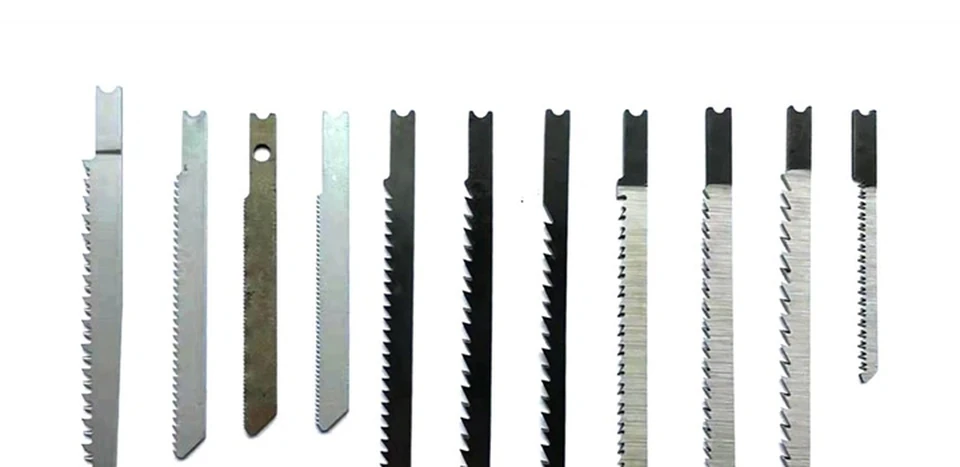
“Mini” is a buyer description, not a complete blade specification. A compact-tool enquiry should identify the tool, holder evidence, access conditions, reach question, and unresolved configuration fields before a supplier is asked to review a blade.
- FAQs
Part 1. Define the compact-tool request
State what “compact” means in the buyer’s context. It may describe the tool body, a restricted work area, a short-reach requirement, or an internal product label. Record the source of the term instead of giving it a technical meaning that the request does not contain.
Add the intended decision: identification, quotation, sample review, or a configuration question. This keeps the article from turning a broad adjective into a selection approval.
Part 2. Identify the tool and holder evidence
Record the tool make and model when the buyer has them, along with a holder-side photo or document. Keep the blade-side reference separate. A small-looking tool image does not prove that a particular blade interface is accepted.
If a reference is unavailable, mark it as open. A supplier can then request the missing view instead of relying on a familiar tool name.
Part 3. Separate blade reach from compatibility
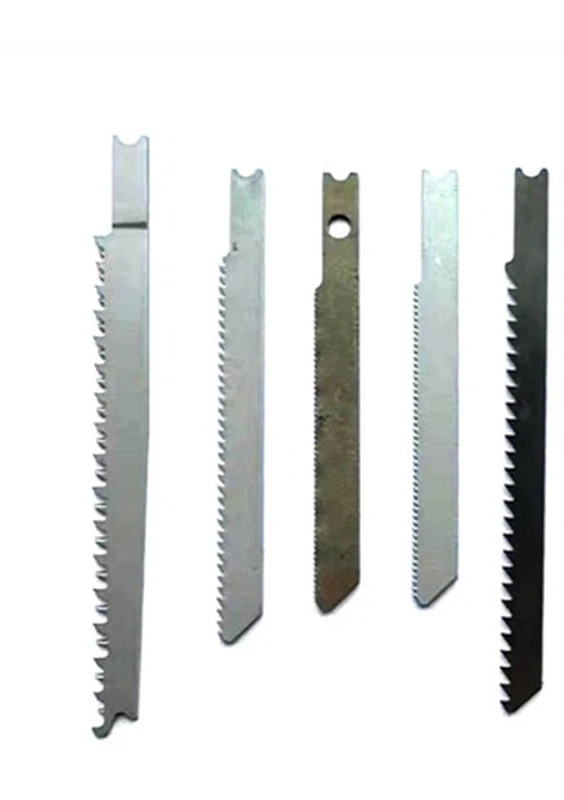
Describe the desired reach or access boundary as a buyer input. Keep it separate from fit, clamping, stiffness, cutting result, or service-life questions. A shorter-looking blade may be relevant to an access discussion without proving any of those outcomes.
Important: Do not inspect or alter a blade on operating equipment. Follow the applicable procedure; HSE work-equipment guidance is a general process reference, not a task-specific blade recommendation.
Part 4. Record task and access conditions
Note the workpiece context, access direction, obstruction, requested motion, and any source drawing. These fields explain why the buyer used the word “compact.” They do not authorize a material, tooth, or performance conclusion.
If task information is absent, ask for it. A category page cannot replace the workpiece and access evidence needed for a focused supplier response.
Part 5. Build a compact-tool RFQ table
Use one line for each input and distinguish buyer requirements from supplier clarification.
| RFQ field | Buyer input | Supplier clarification requested |
|---|---|---|
| Tool identity | Make, model, photo, or “not supplied” | Confirm which tool reference was reviewed. |
| Holder evidence | Interface image or document | Identify missing interface information. |
| Reach and access | Obstruction, direction, and desired reach | State which access details remain open. |
| Blade reference | Sample, photo, or drawing revision | Confirm the supplied blade reference. |
| Requested scope | Quote, sample, or document review | Reply to the stated scope only. |
The curved-blade RFQ evidence checklist addresses a different geometry description. Use it only when the buyer has a source for that description.
Part 6. Route the request for confirmation
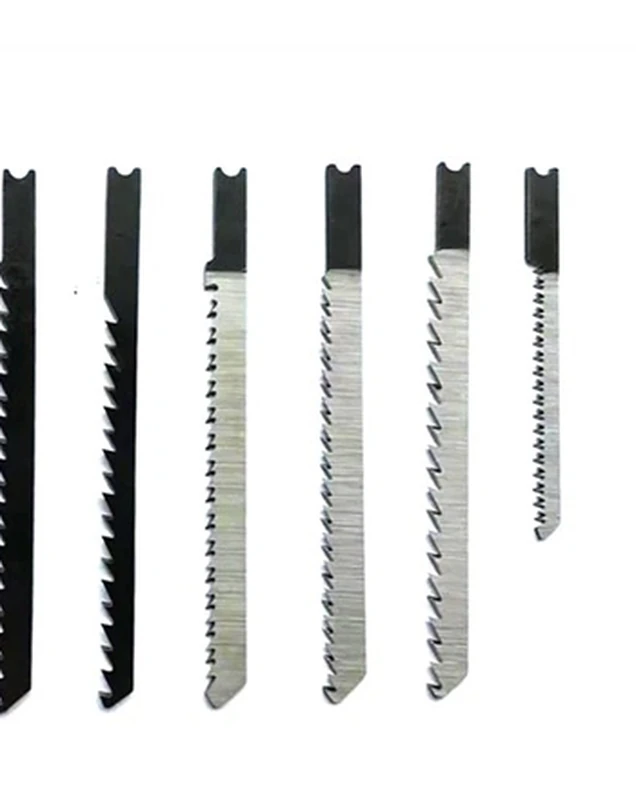
The Reciprocating Saw Blades category provides a product-family route after the evidence table is ready. It does not confirm a mini configuration or a holder relationship.
Send the table and source files through Contact Us. Keep unanswered fields visible until the supplier responds against the same references.
FAQs
What does “mini” mean in a blade request?
It is a buyer description that may refer to tool size, access, reach, or an internal label. Ask for the source and do not assign a universal technical meaning.
Which tool evidence should accompany a compact-tool RFQ?
Provide the tool identity, holder-side view or document, blade reference, and the task or access note. Mark anything unavailable as open.
Does a short blade prove compact-tool compatibility?
No. It may describe a reach preference only. Fit and configuration need separate holder and supplier evidence.
Should access conditions be recorded?
Yes. Note the obstruction, direction, workpiece, and desired reach. These explain the request without promising a cutting result.
Can a category page confirm a mini configuration?
No. A category page is routing context. It does not replace the tool, holder, and task evidence for the enquiry.
What should remain open for supplier review?
Keep the holder condition, dimensions, material, requested blade reference, and any unclear tool information open until a controlled response addresses them.